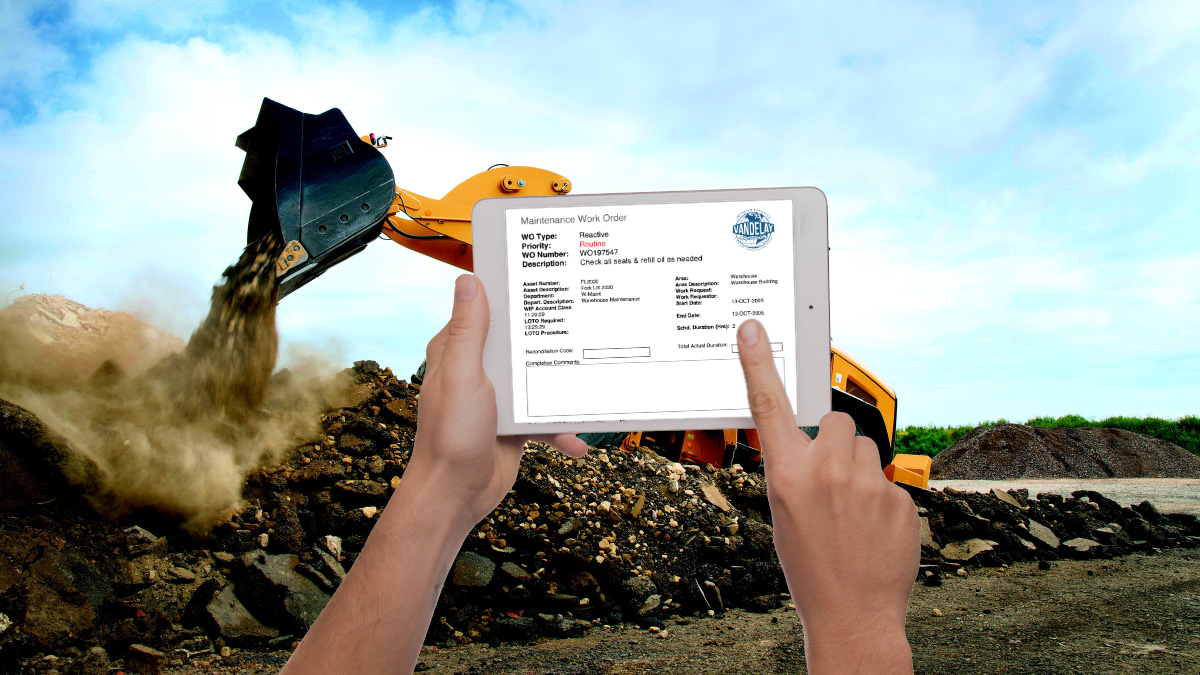
Enterprise maintenance teams are under constant pressure to improve uptime, meet compliance requirements, and operate with fewer skilled technicians. While Oracle eAM remains the system of record for maintenance planning and execution, many organizations struggle to extend those workflows effectively into the field.
AventX Mobile for Oracle eAM v25.3 addresses this challenge with practical, field-driven enhancements designed for large plants, remote sites, and demanding environments. These updates improve technician productivity, data accuracy, and device flexibility without requiring changes to Oracle E-Business Suite.
Below is a detailed look at what’s new in AventX Mobile v25.3 and why it matters for maintenance, operations, and IT teams.
Mobile Maintenance That Works Where the Work Happens
Native Android Support for Rugged Field Devices
AventX Mobile for Oracle eAM now supports Android devices, including rugged tablets and industrial-grade hardware commonly used in manufacturing, utilities, energy, and mining environments.
This update gives organizations more flexibility in mobile device strategy while eliminating reliance on consumer-grade tablets in harsh conditions.
With Android support, maintenance technicians can:
- Use durable field-ready devices built for dust, vibration, and extreme temperatures
- Access the same Oracle eAM mobile work order experience available on iOS
- Work online or offline with downloaded work orders
- Follow familiar Oracle-driven and existing paper work order-based maintenance workflows
For IT teams, Android support enables broader deployment options and easier alignment with existing mobile device management standards.
Stronger Compliance Without Slowing Down Technicians
Configurable Reconciliation Codes in the Mobile App
Preventive maintenance compliance often breaks down at work order closeout. Free-text notes and inconsistent completion statuses make audits and reporting difficult across plants and operating units.
AventX Mobile now supports reconciliation code entry during work order completion, with configurable code lists by Operating Unit or Plant.
This enhancement allows organizations to:
- Standardize work order completion outcomes without Oracle customization
- Display only relevant reconciliation codes to technicians
- Support complex and straightforward preventive maintenance processes
- Improve reporting consistency across multi-site operations
The result is cleaner data in Oracle eAM and fewer follow-ups to clarify how work was completed.
Faster Work Order Navigation in Large Plants
Department Based Work Order Filtering
Expansive facilities and multi-org maintenance teams often manage hundreds or thousands of active work orders. Scrolling through long lists on a mobile device wastes valuable technician time.
With v25.3, technicians can filter work orders by Asset Owning Department, allowing them to focus on the work relevant to their current area or assignment.
This is especially valuable for:
- Plant-wide maintenance organizations
- Reliability-centered maintenance teams
- Facilities with shared maintenance resources
Finding the right work order now takes seconds instead of minutes.
Designed for Offline Work and High Volume Environments
Clearer Downloaded Work Order Indicators
Maintenance work does not always happen where connectivity is reliable. AventX Mobile now clearly indicates which work orders are downloaded to the device and available offline.
Technicians can:
- Plan work before entering low connectivity areas
- Prioritize offline-ready tasks
- Avoid opening work orders that are not stored locally
A new Show Downloaded Only filter makes offline planning faster and more intuitive.
Multi Select and Batch Actions
Managing high volumes of work orders on a mobile device can be time-consuming. AventX Mobile now supports multi-select with batch actions, so users can:
- Download multiple work orders at once
- Remove completed or unnecessary work orders
- Reduce repetitive list management tasks
These usability improvements drive meaningful productivity gains across every shift.
Smarter Filtering and Improved Visibility
Additional enhancements in v25.3.x include:
- Work order creation dates are visible in the list view to help prioritize aging tasks
- A Cancel button in the filter screen to exit without triggering unnecessary refreshes
Together, these updates reduce wait times, frustration, and wasted motion in the mobile app.
See AventX Mobile for Oracle eAM in Action
The best way to understand the impact of these enhancements is to see them in real workflows.
Watch the updated AventX Mobile demo or request a personalized walkthrough to see how AventX v25.3 supports your Oracle eAM environment.